
Utilities Mac Apps
Utilities are the apps you install once and then forget you installed, right up until you use a Mac without them. Screenshot tools, disk cleaners, recorders, media players and menu bar oddities all live here.
It is the largest category on the site, largely because the versions built into macOS are usually fine but rarely great.
What to look for
- Overlap with macOS — Screenshot, QuickTime and Storage Management already do a version of most of this, so the question is whether the app is meaningfully faster.
- Idle cost — a utility that sits in the menu bar should be close to invisible in Activity Monitor.
- Permissions — screen recording and full disk access are powerful, so prefer notarized apps that explain each prompt.
- Recent updates — check something shipped in the last year, because abandoned utilities tend to break with every macOS release.
15 utilities apps
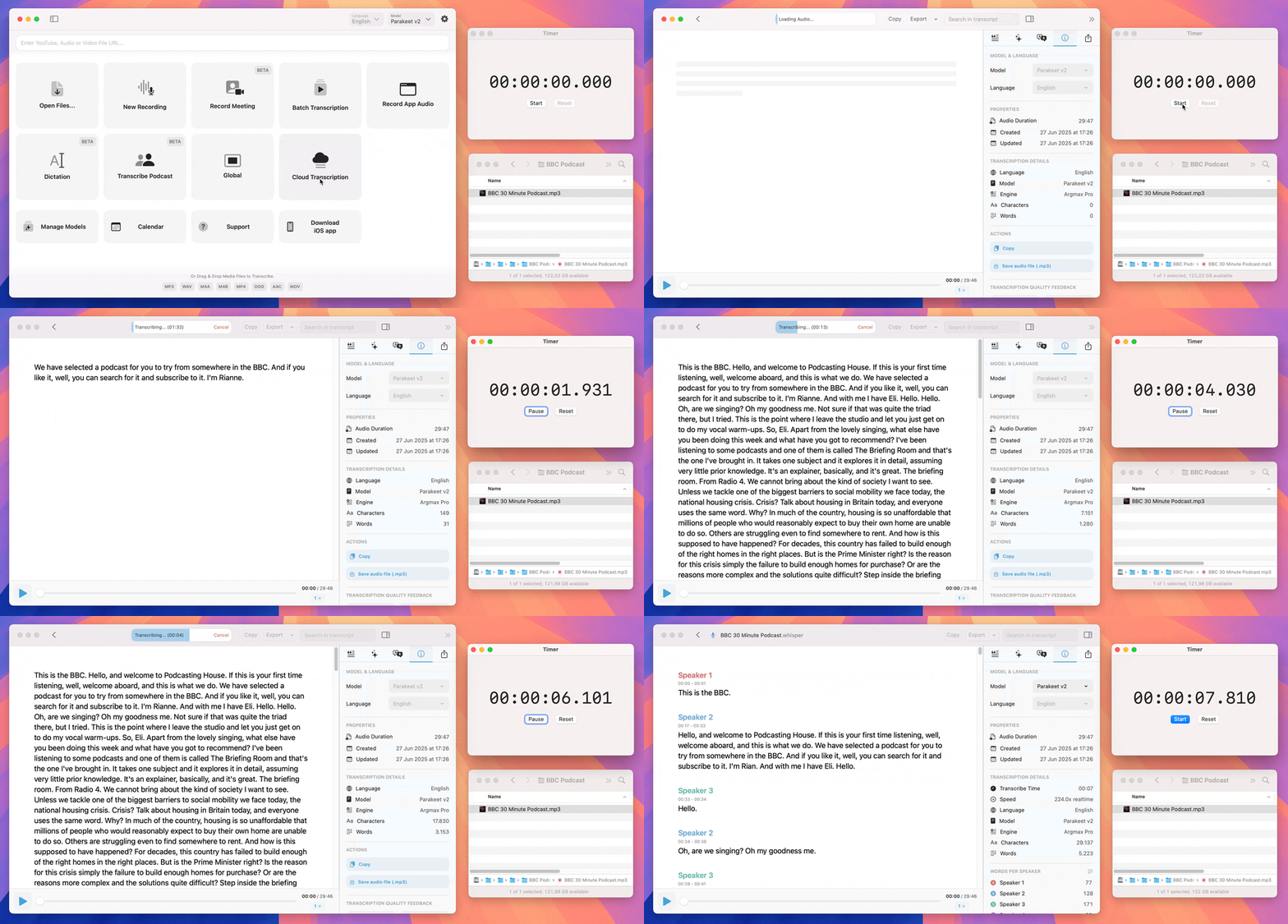

MacWhisper
Quickly transcribe audio files into text on your Mac
Paid placement
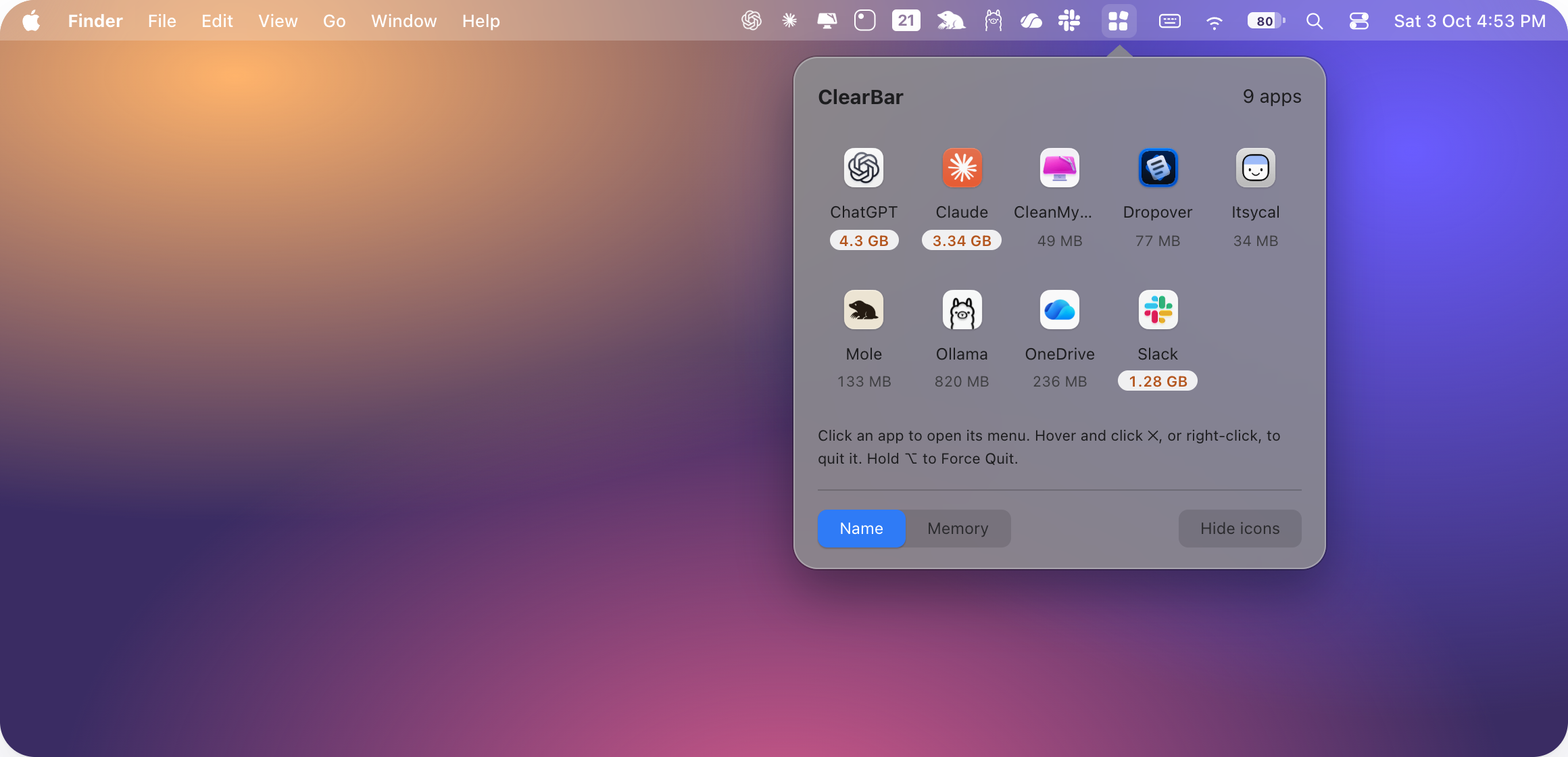

ClearBar
Hides third-party menu bar icons and keeps them in one panel.
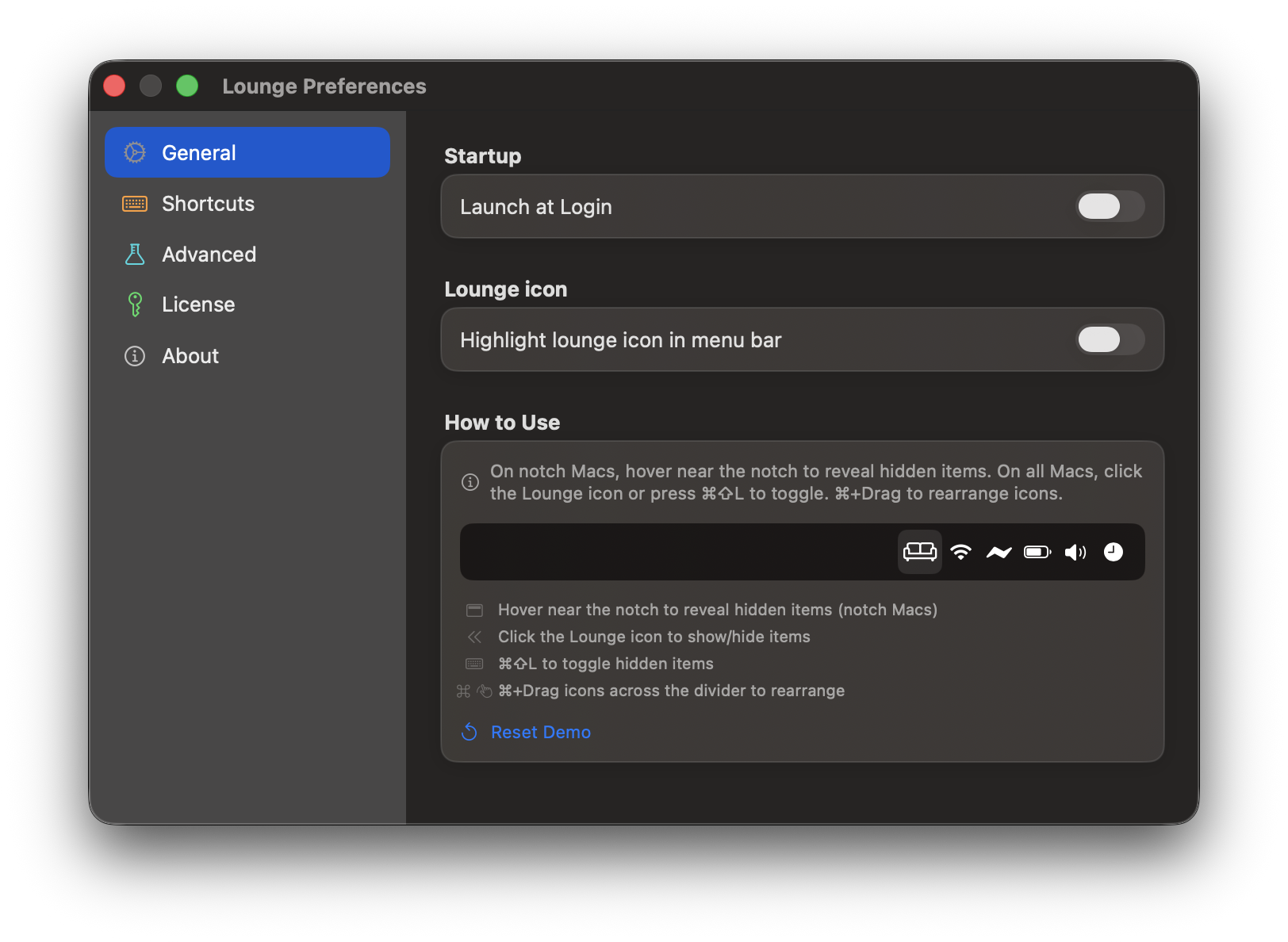

Lounge
Hides menu bar icons and opens them from a notch panel.
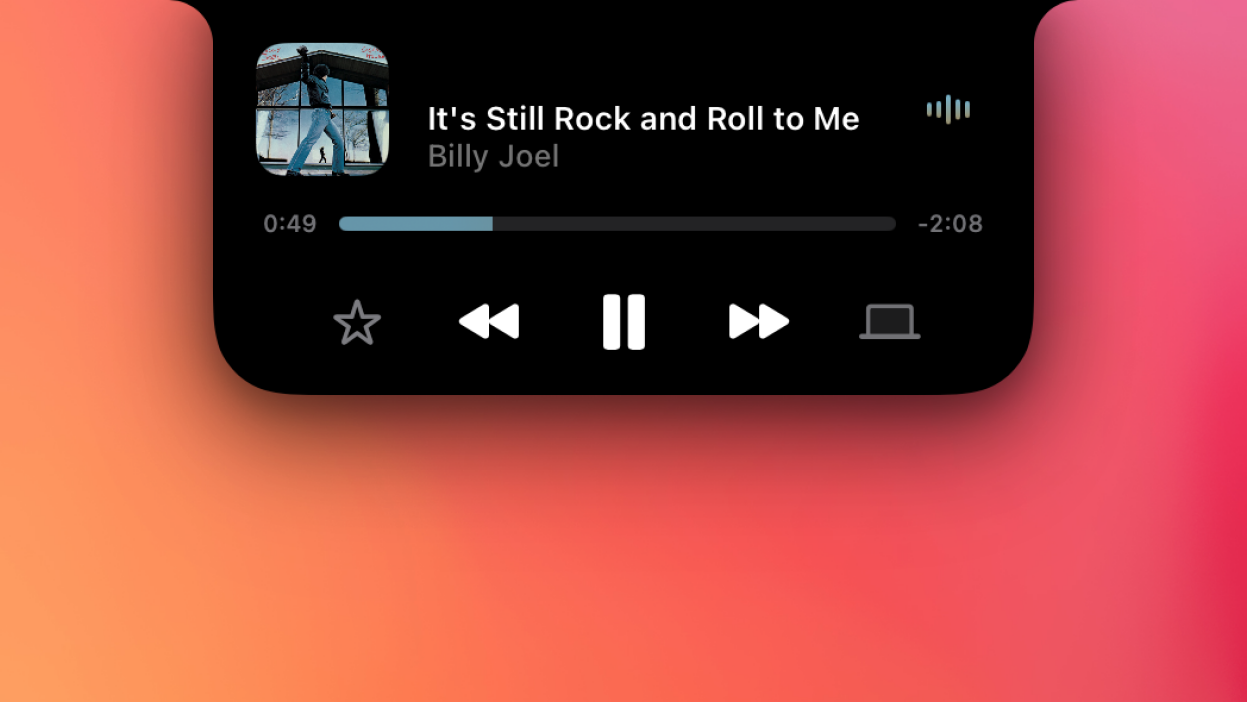

Alcove
A notch display for notifications and now playing.
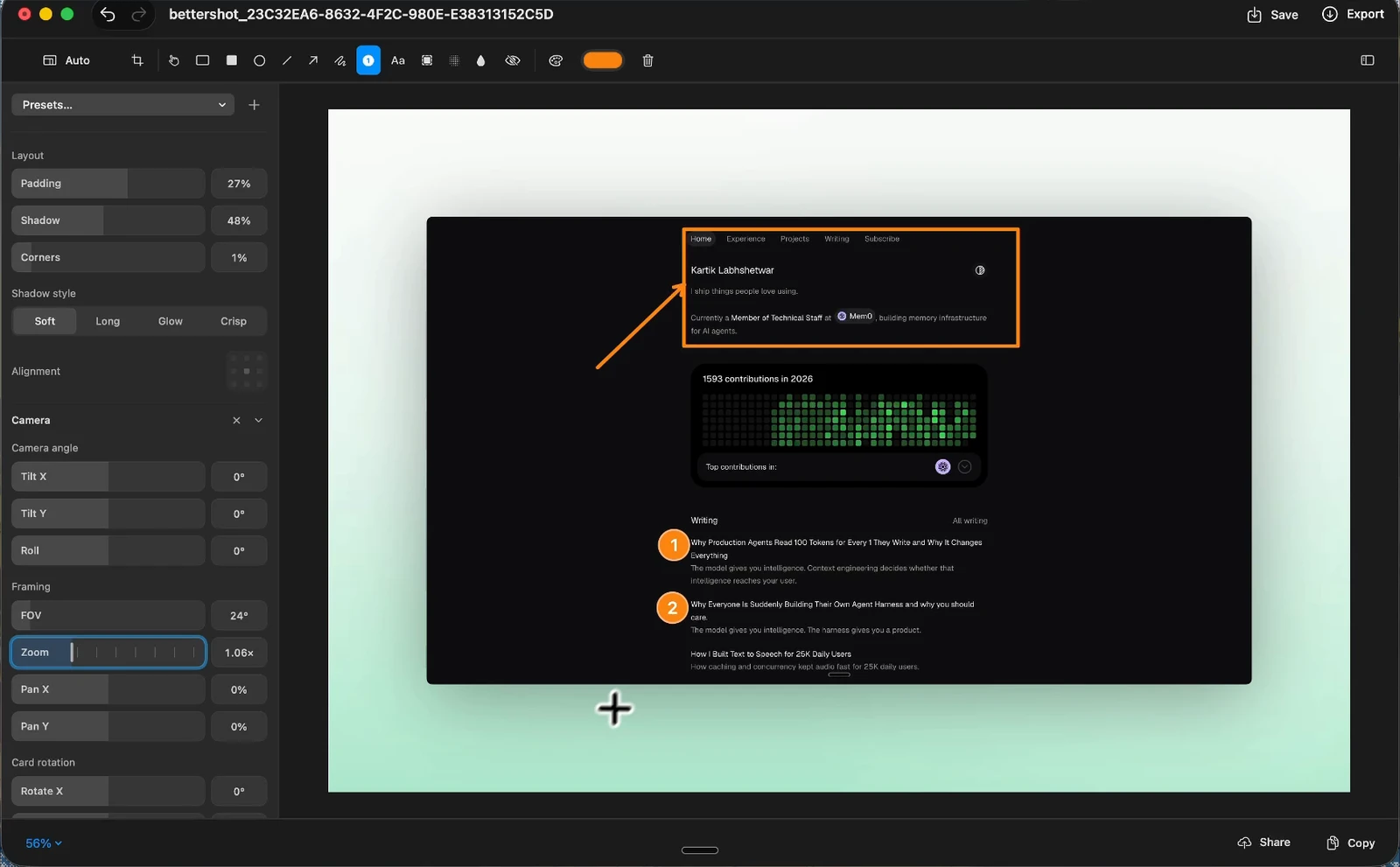

Better Shot
Free screenshots and screen recording, with annotation.
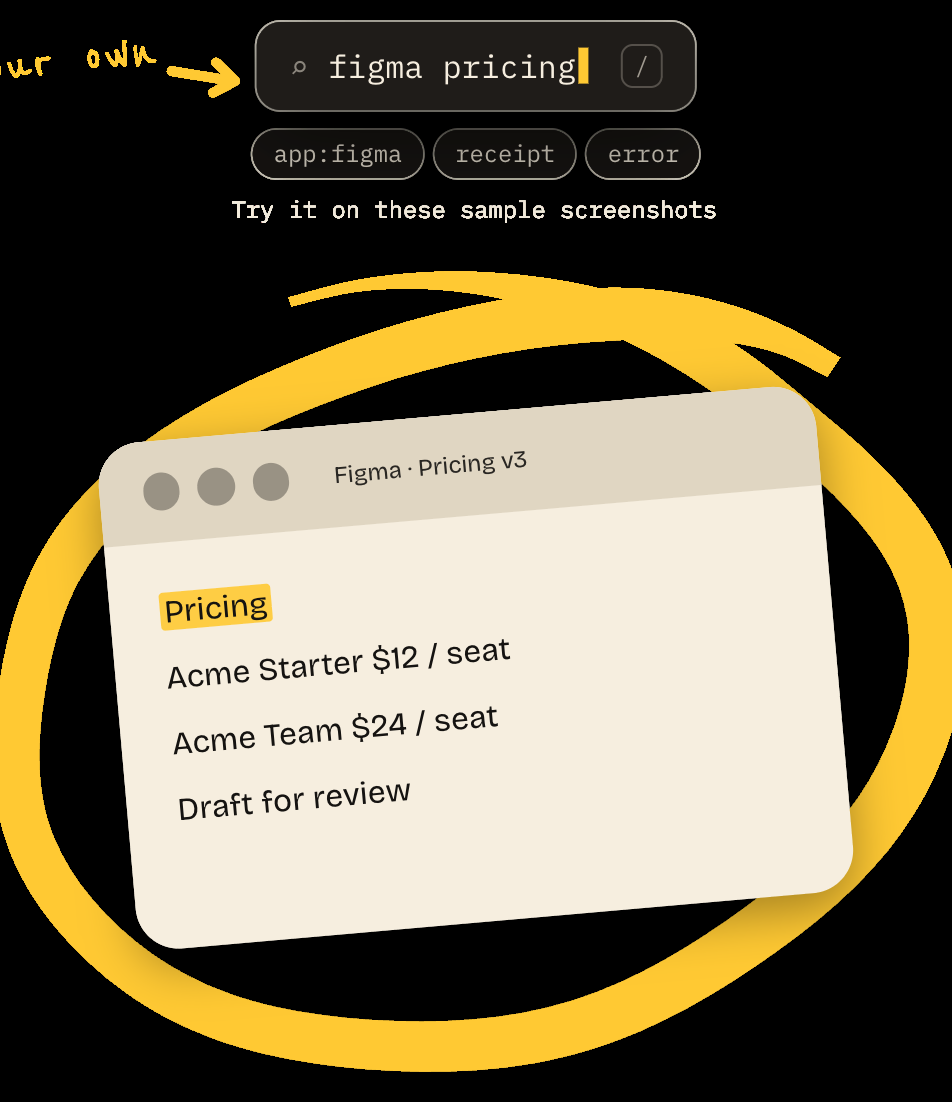
DejaShot
Search the screenshots you already took.

Screen Charm
Records the screen, then zooms on each click.
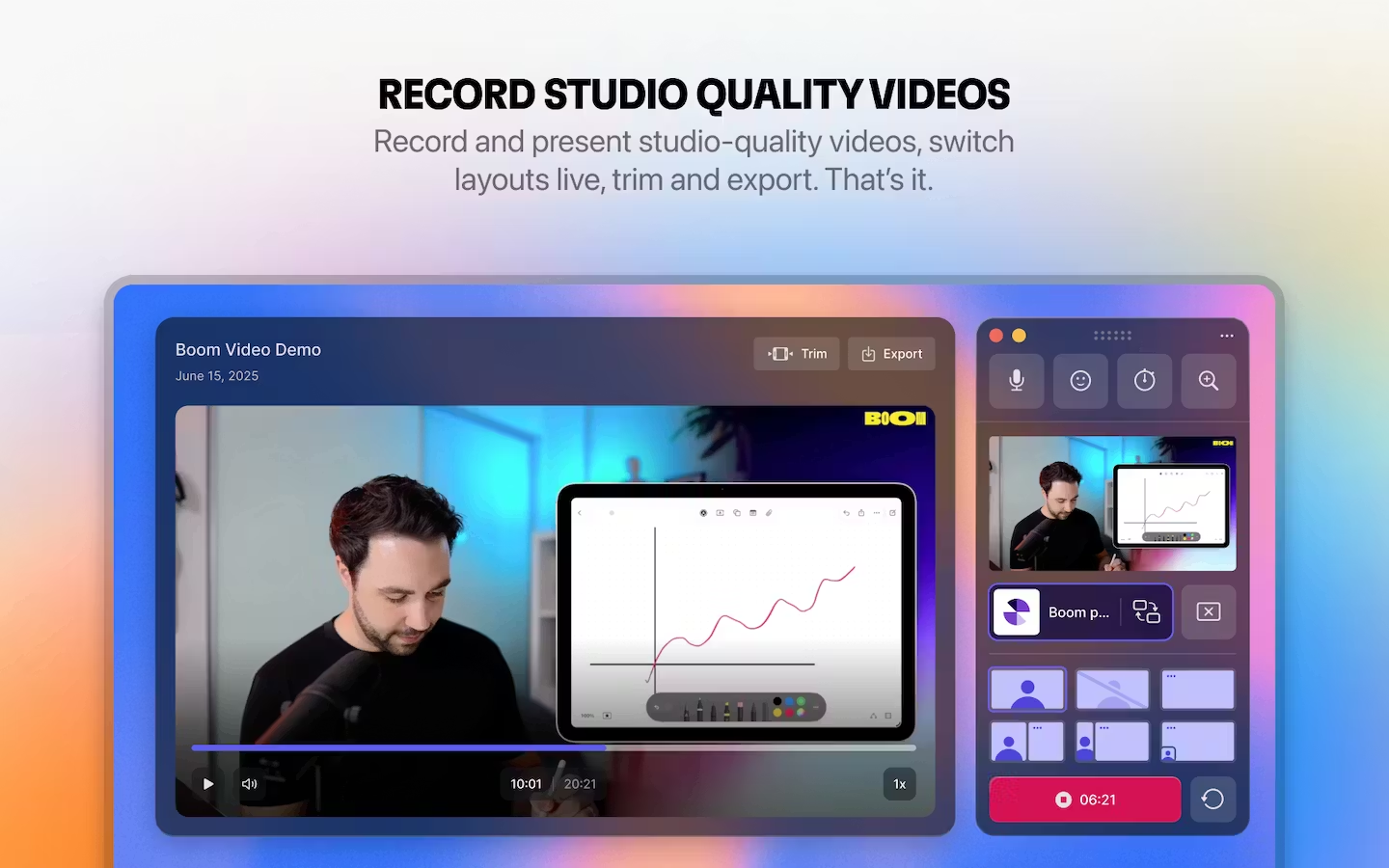
Boom
Screen recording and live presentation, without a timeline.
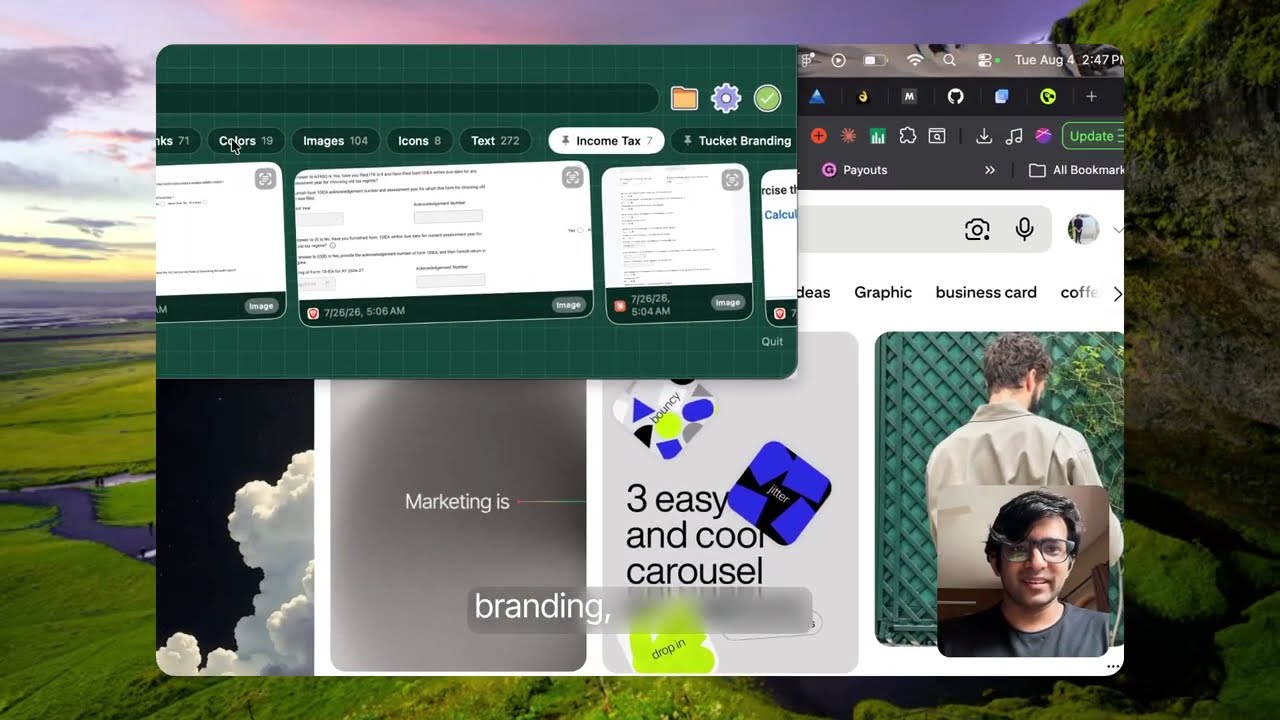

Tucket
Clipboard history from the notch, kept on the Mac.
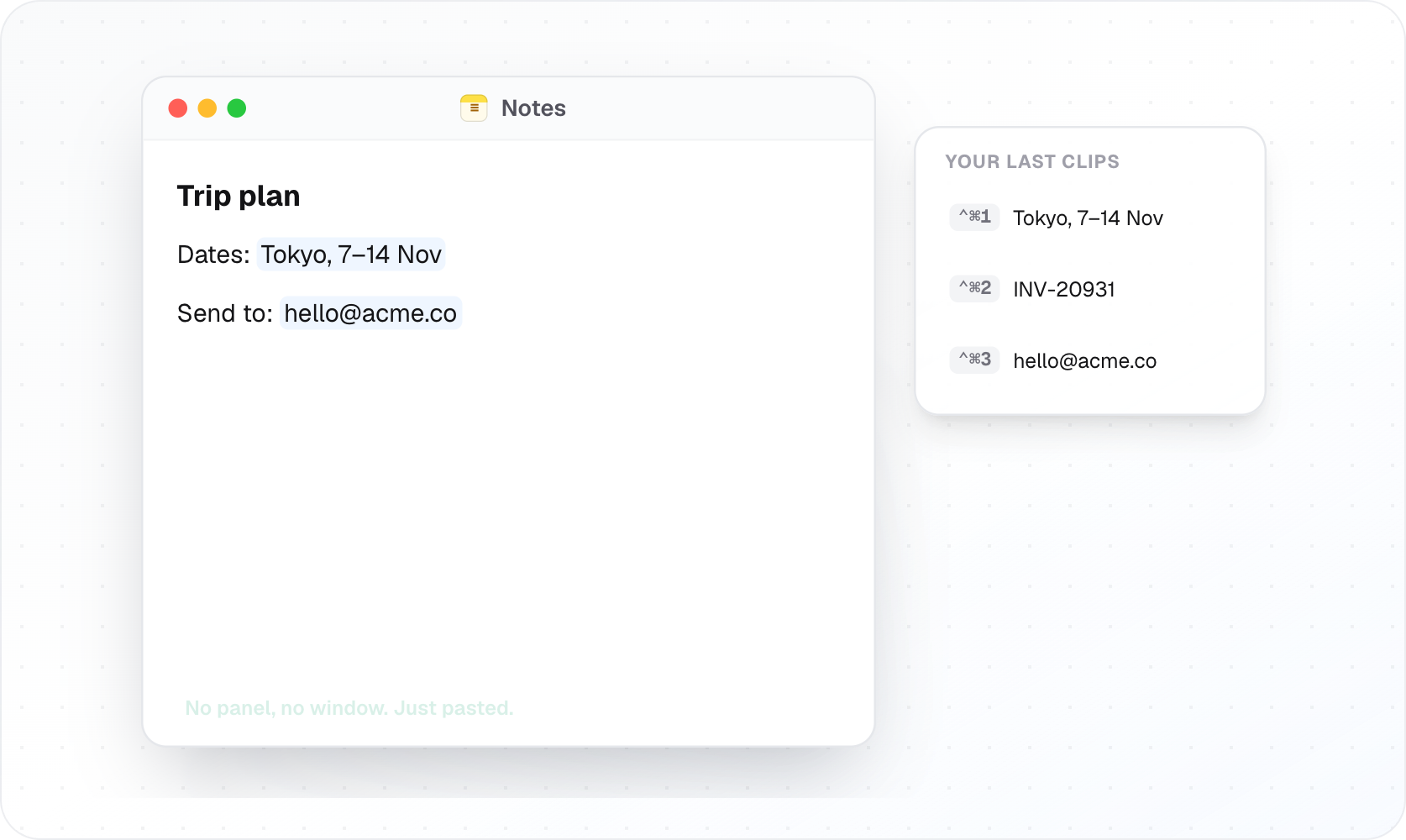
Maclip
Encrypted clipboard history on the Mac, paid once.
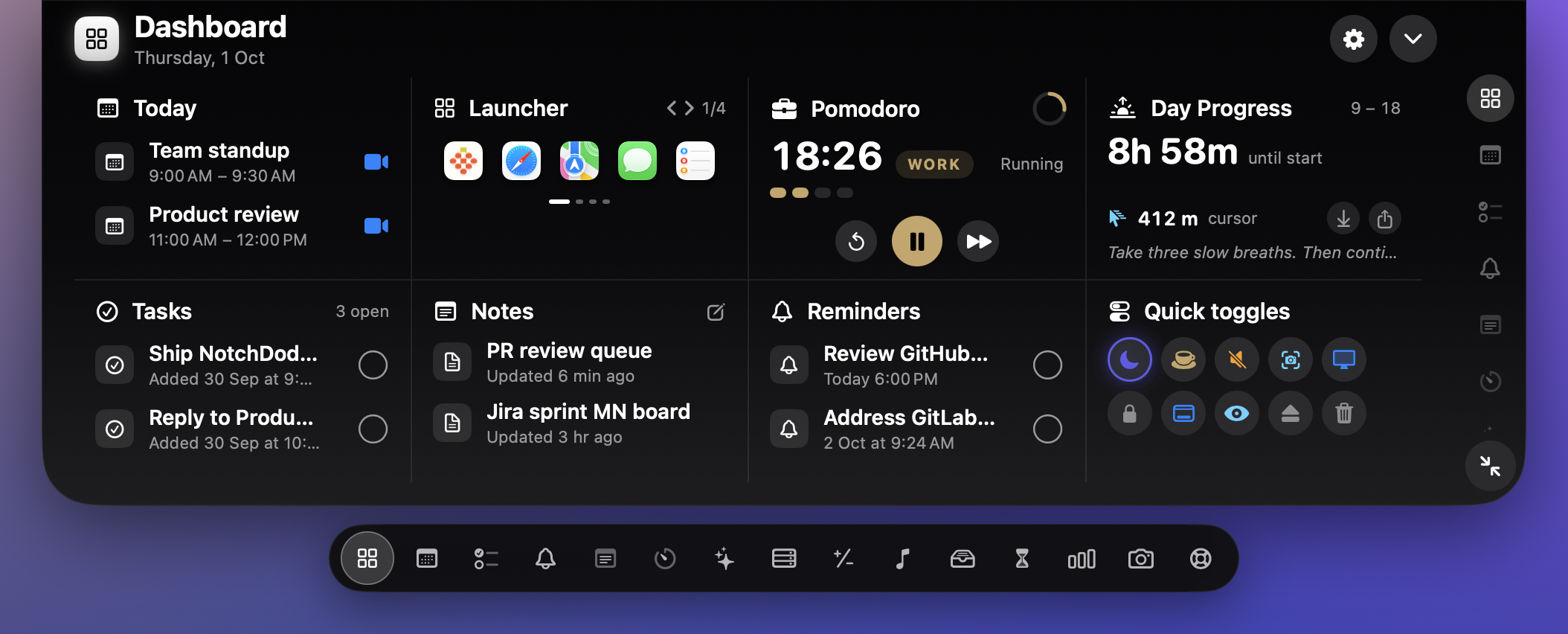
NotchDodo
Music, timers, calendar, and files in the notch.
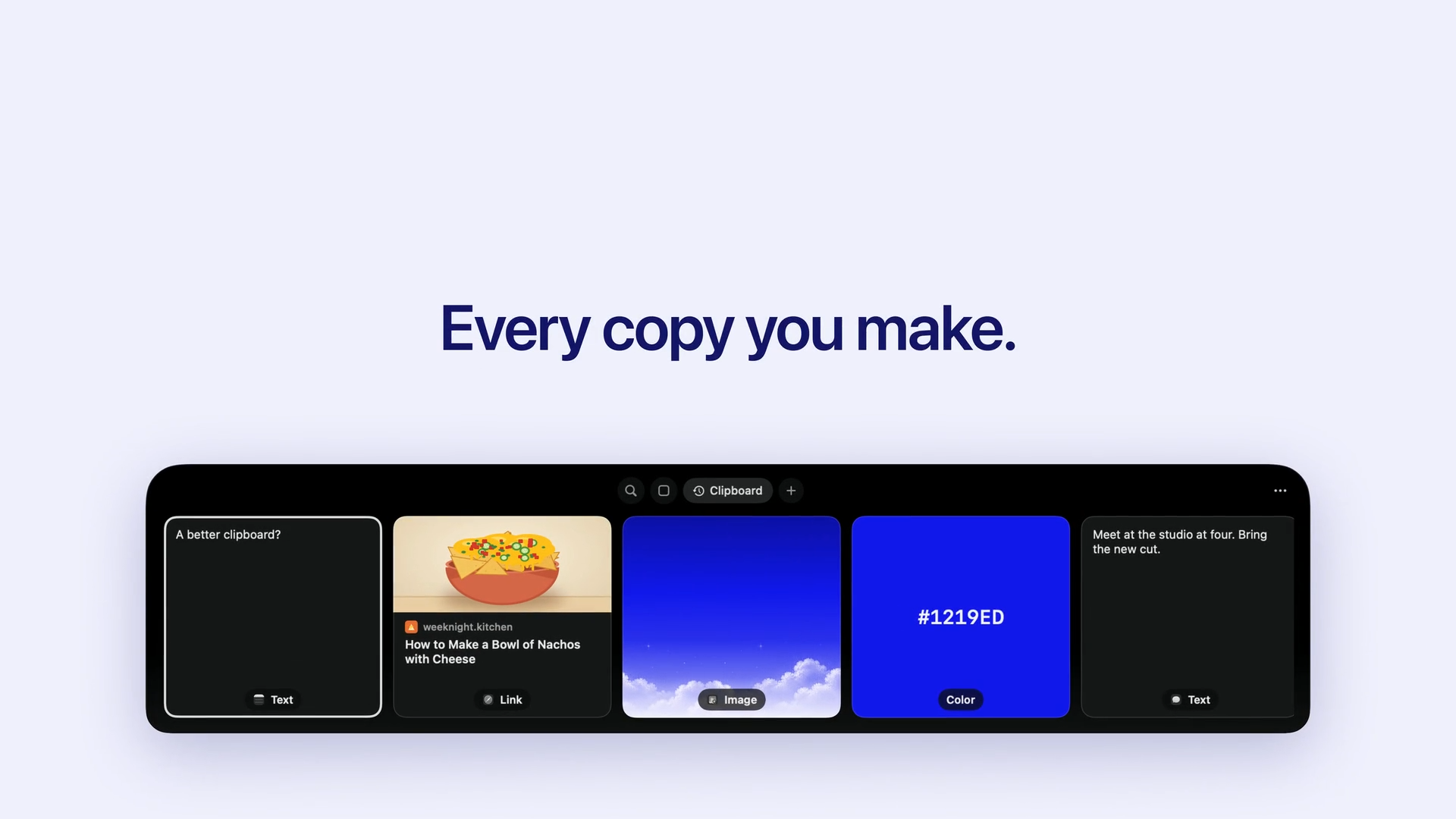

Droppy
A Dynamic Island that also works without a notch.
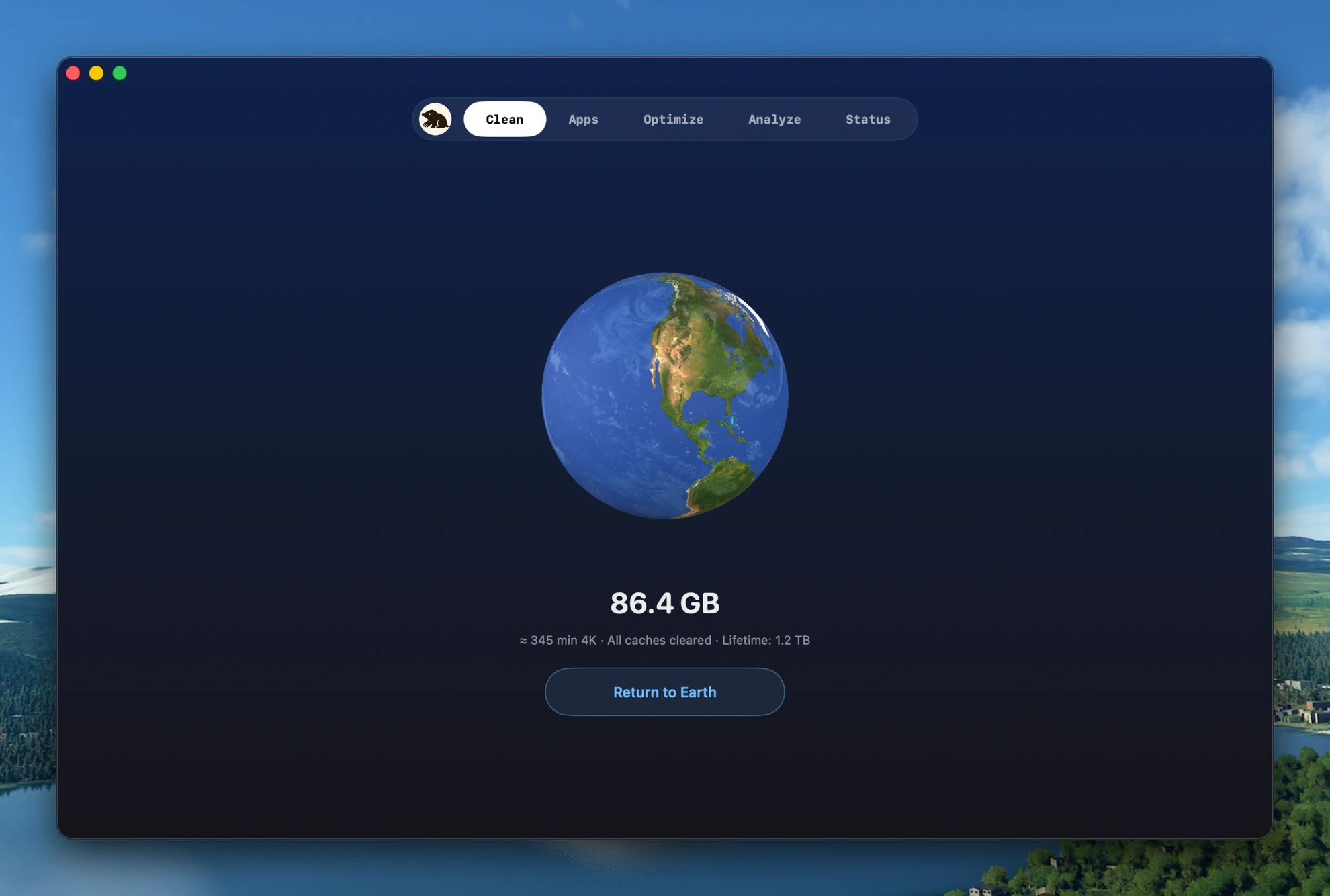

Mole
Uninstall apps, map the disk, and clear caches.
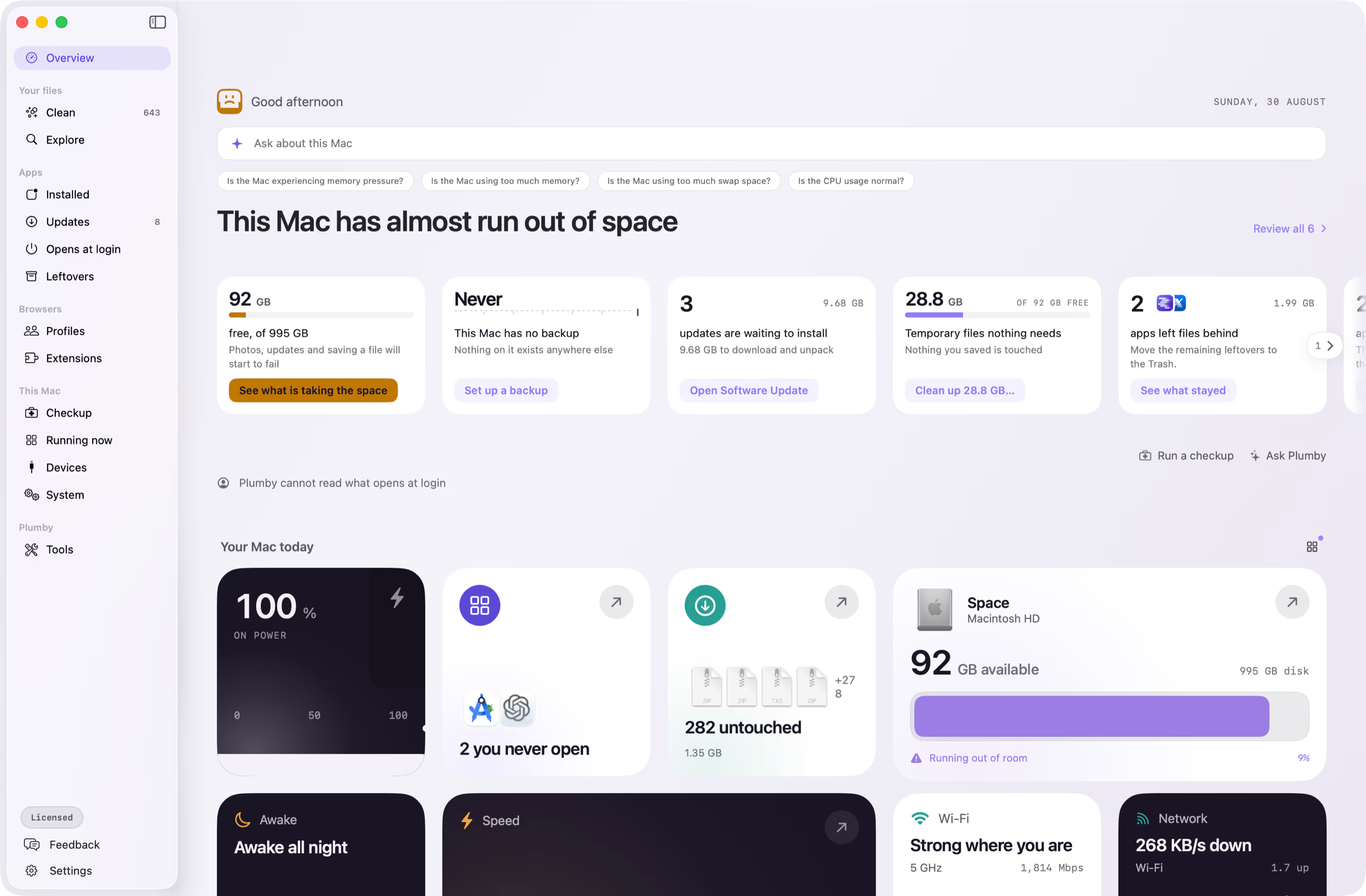

Plumby
Finds leftover files and large caches you choose to remove.
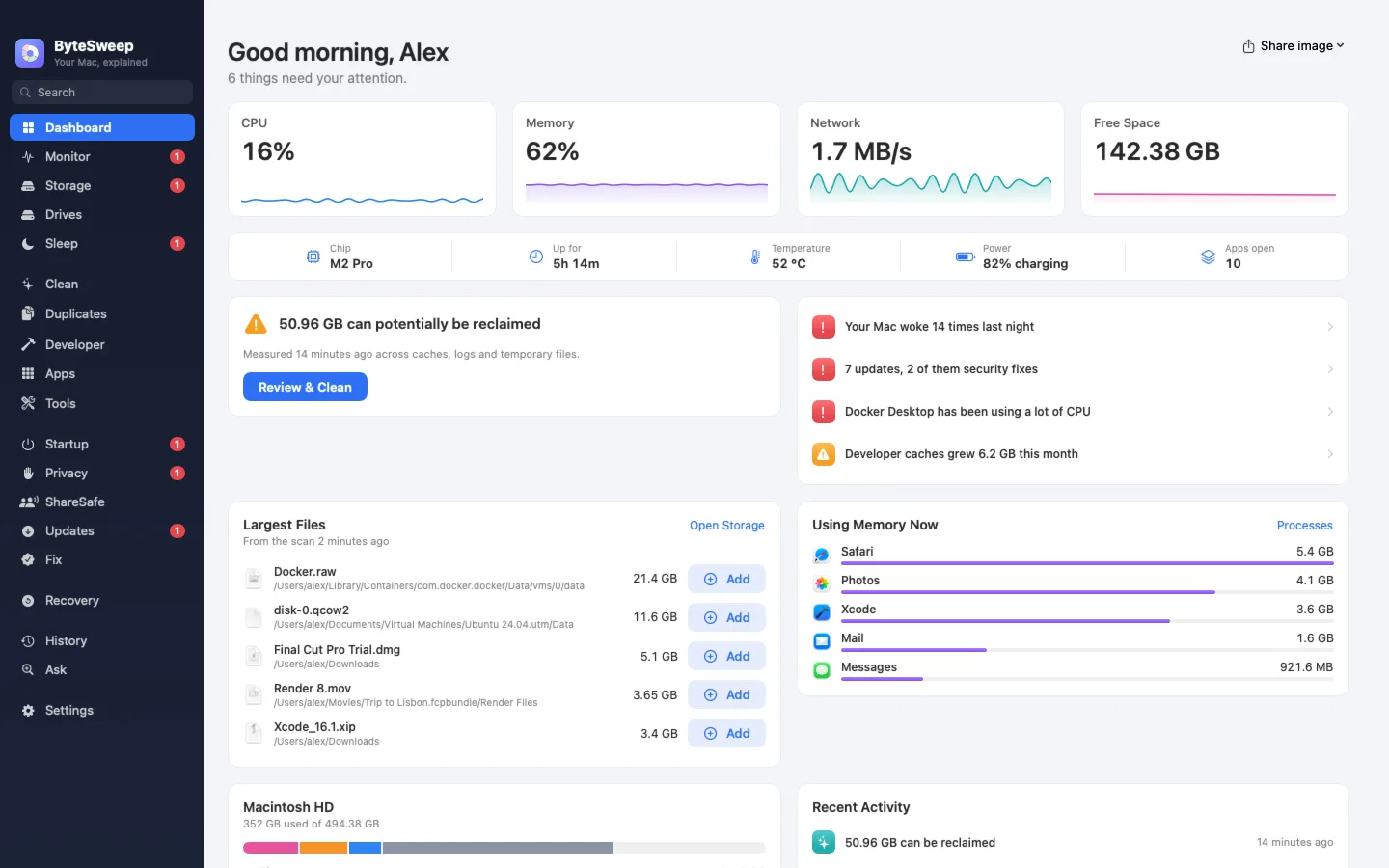
Bytesweep
Shows what is filling the disk, then deletes only what you approve.